> For the complete documentation index, see [llms.txt](https://docs.zerowork.io/llms.txt). Markdown versions of documentation pages are available by appending `.md` to page URLs; this page is available as [Markdown](https://docs.zerowork.io/using-zerowork/using-building-blocks/building-block-options/sticky-notes.md).
# Sticky Notes
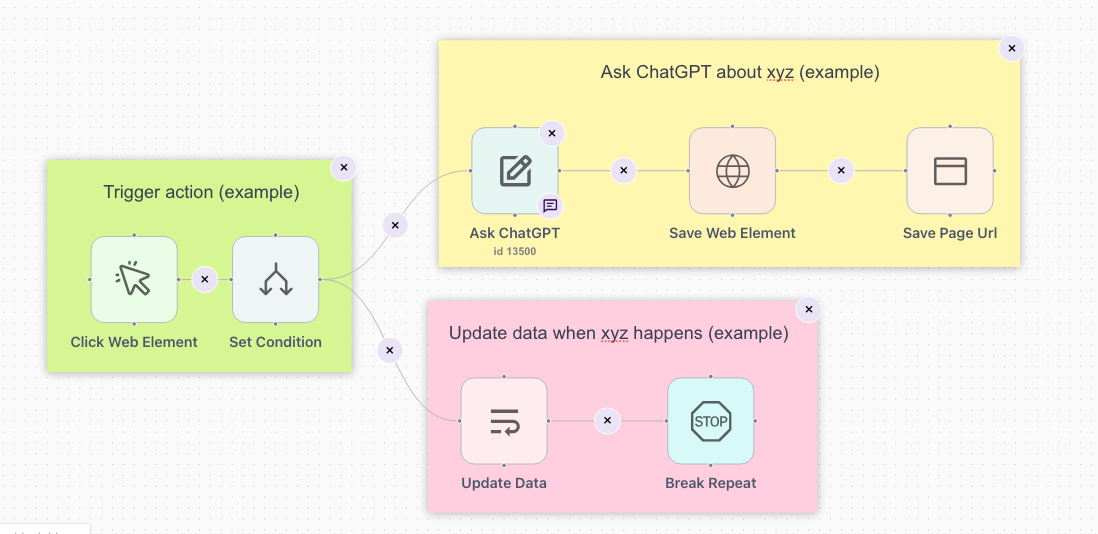
Sticky notes can be placed anywhere within the TaskBot builder area. To add one, click on the sticky note icon and drag it to where you want to place it.
Sticky notes can be used as clarifying notes, see below.
Or, they can be used for visual grouping, see below.